
What Are AI Agents? A Simple Explanation With Business Examples
An employee receives an invoice from a supplier. They open the document, find the corresponding order, compare quantities and prices, check the details, and enter the information into a business system.
Each step seems straightforward. But when hundreds of documents arrive every month, the work takes time and attention.
An AI agent can help with parts of this process: read the document, retrieve relevant information, identify discrepancies, and prepare a draft for an employee to review.
That does not mean it should make payments or change business records without permission. A useful agent operates within clearly defined rules and access limits.
What is an AI agent?

An AI agent is a software system that uses an AI model to interpret a task, choose its next steps, and work with connected tools and data.
Depending on its configuration, it might search company documents, retrieve an order from a database, prepare a report, or create a draft record in a CRM.
A typical AI agent combines:
- An AI model that interprets instructions and information.
- Tools for searching, retrieving data, or performing permitted actions.
- Context about the task and relevant business processes.
- Rules and permissions that define its limits.
- Checks and approval steps for actions that require human review.
The level of independence varies. One agent may only prepare suggestions. Another may complete a limited process on its own and ask for help when it encounters an exception.
How is an AI agent different from a chatbot or traditional automation?
A chatbot is an interface for conversation. It answers questions and may help a person find information. Some chatbots also connect to tools and can act as agents, so the categories can overlap.
Traditional automation follows a predefined sequence: when a particular event happens, the system performs specified actions.
An AI agent can choose among available actions based on the task and the information it receives. This flexibility can be useful when documents, requests, or circumstances vary.
| SystemTypical example | |
| Chatbot | Explains where to find a company policy. |
| Traditional automation | Sends a notification whenever a new order is created. |
| AI agent | Finds the relevant order, compares it with an invoice, and prepares a discrepancy report. |
More flexibility also means more uncertainty. If a process can be handled reliably with simple rules, an AI agent may add unnecessary complexity.
How do AI agents work? An invoice example

Imagine a company receives supplier invoices as PDF files. A possible workflow could look like this:
- The system receives a document.
- The agent extracts the supplier, invoice number, items, quantities, and amounts.
- It retrieves the corresponding order from an approved system.
- It compares the information and flags missing or inconsistent details.
- It prepares a draft record and a short explanation of any discrepancies.
- An employee reviews and approves the next action.
If the order cannot be found or a document is unclear, the agent should route the case to a person instead of guessing.
This is an illustrative workflow, not a description of a specific client implementation. Its reliability depends on document quality, integrations, validation rules, and testing.
Which business tasks can AI agents help with?
Good candidates usually involve repeated work, several information sources, and decisions that can be checked.
Documents
Extracting information, classifying incoming files, finding missing fields, and preparing drafts.
Finance
Comparing invoices with orders, preparing reconciliation summaries, and identifying differences for an employee to investigate.
Inventory and operations
Retrieving stock information, explaining exceptions, and preparing requests within established rules.
Projects and internal requests
Collecting updates, summarising progress, finding overdue items, and preparing task descriptions.
Customer enquiries
Classifying requests, retrieving relevant information, drafting replies, and passing complex cases to an employee.
In each case, the important question is specific: which part of the process should the agent perform, and how will its output be verified?
When is an AI agent unnecessary?
An AI agent is not the best choice for every task.
A standard integration or script may be sufficient when:
- The input data has a consistent structure.
- The rules are clear and rarely change.
- Every step can be defined in advance.
- Exceptions are limited and predictable.
For example, copying a form submission into a CRM usually does not require an AI model.
AI may be more useful when the system needs to interpret varied text, work with different document formats, or choose a suitable next step from several options.
Can AI agents make mistakes?

Yes. An agent may misunderstand a request, extract a value incorrectly, use outdated information, or select an unsuitable action.
Connecting an agent to company systems does not automatically make its output reliable.
Practical safeguards include:
- Giving the agent only the access it needs.
- Checking important values with explicit validation rules.
- Requiring approval for sensitive actions.
- Keeping a record of actions and their results.
- Routing uncertain cases to employees.
- Testing difficult examples before expanding access.
Payments, deletion of records, and changes to important business data require particular care. The approval process should be designed before the agent starts working.
Does an AI agent need to be trained on company data?
Not necessarily.
An agent can retrieve information from approved documents or databases while handling a task. This is different from training or fine-tuning the underlying model.
For example, it may search a company handbook, find a relevant section, and use that information to prepare an answer.
The quality of the source material matters. Outdated policies, duplicate files, and contradictory instructions can lead to poor results.
Using an agent also does not mean it automatically learns from every interaction. Any mechanism for updating knowledge or changing behaviour needs to be designed deliberately.
How can you assess the value of implementation?
Start by measuring the existing process: volume, time spent, error rates, and the amount of checking required.
Consider a hypothetical example:
- A company processes 600 documents per month.
- Each document takes 7 minutes, or 70 hours per month.
- If a tested workflow reduces handling time to 3 minutes per document, the total becomes 30 hours.
- The difference is 40 hours per month.
This is an illustrative calculation, not a promised result.
You also need to account for implementation, AI usage, infrastructure, maintenance, employee review, and correcting errors. Time released from a task does not automatically translate into the same amount of financial savings.
A pilot should measure whether the complete process improves, including the work needed to supervise the agent.
How should a business start implementing AI agents?

Choose one clearly defined process instead of trying to automate an entire department.
A practical starting sequence is:
- Define the task. Specify the input, expected output, and process boundaries.
- Prepare representative examples. Include unclear documents, missing information, and unusual cases.
- Set access limits. Decide what the agent may read, draft, and change.
- Agree on success criteria. Measure accuracy, handling time, review effort, and cost.
- Run a limited pilot. Keep employees involved in checking the results.
- Evaluate the outcome. Expand, revise, or stop the implementation based on evidence.
At KIRANO, you can discuss AI agent development for your business. A useful first conversation starts with a specific process: what employees do today, which systems they use, and where the repetitive work occurs.
Recommended articles

Why the failures of Yandex data centers became an alarming signal for Uzbekistan's business
A person opens an app to call a taxi or pick up an order and gets an error message. For them, it's wasted time. For the driver, it's a missed trip. For the seller, it's a delayed sale. If there are thousands of such user
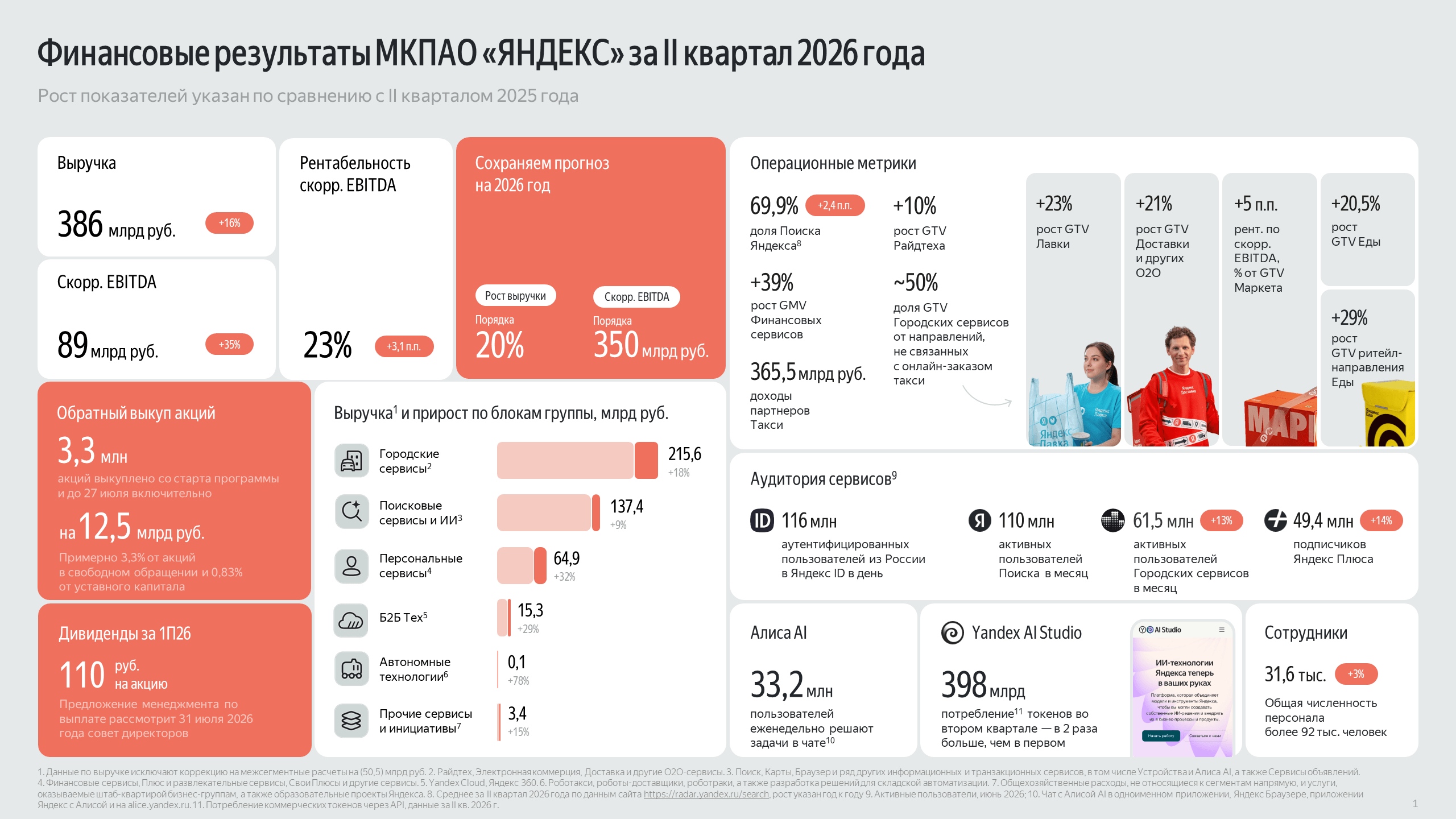
Yandex Continues to Strengthen Its Position: What the Q2 2026 Results Reveal
Yandex Continues to Strengthen Its Position: What the Q2 2026 Results Reveal Yandex’s financial results for the second quarter of 2026 confirm the company’s steady growth across virtually all key business areas. For the

What Is a Brand Book and Why Does Your Business Need One?
What Is a Brand Book and Why Does Your Business Need One? A brand book is an official document that defines a company's visual identity standards and communication guidelines. It outlines the rules for using the logo, br
2017 - 2026 © KIRANO