Orders in correspondence
Agreements are lost. Statuses have to be clarified with employees.
KIRANO / ERP SYSTEMS DEVELOPMENT
We develop ERP for company processes. We connect sales, finance, orders, production and HR in one workspace.
For medium and large businesses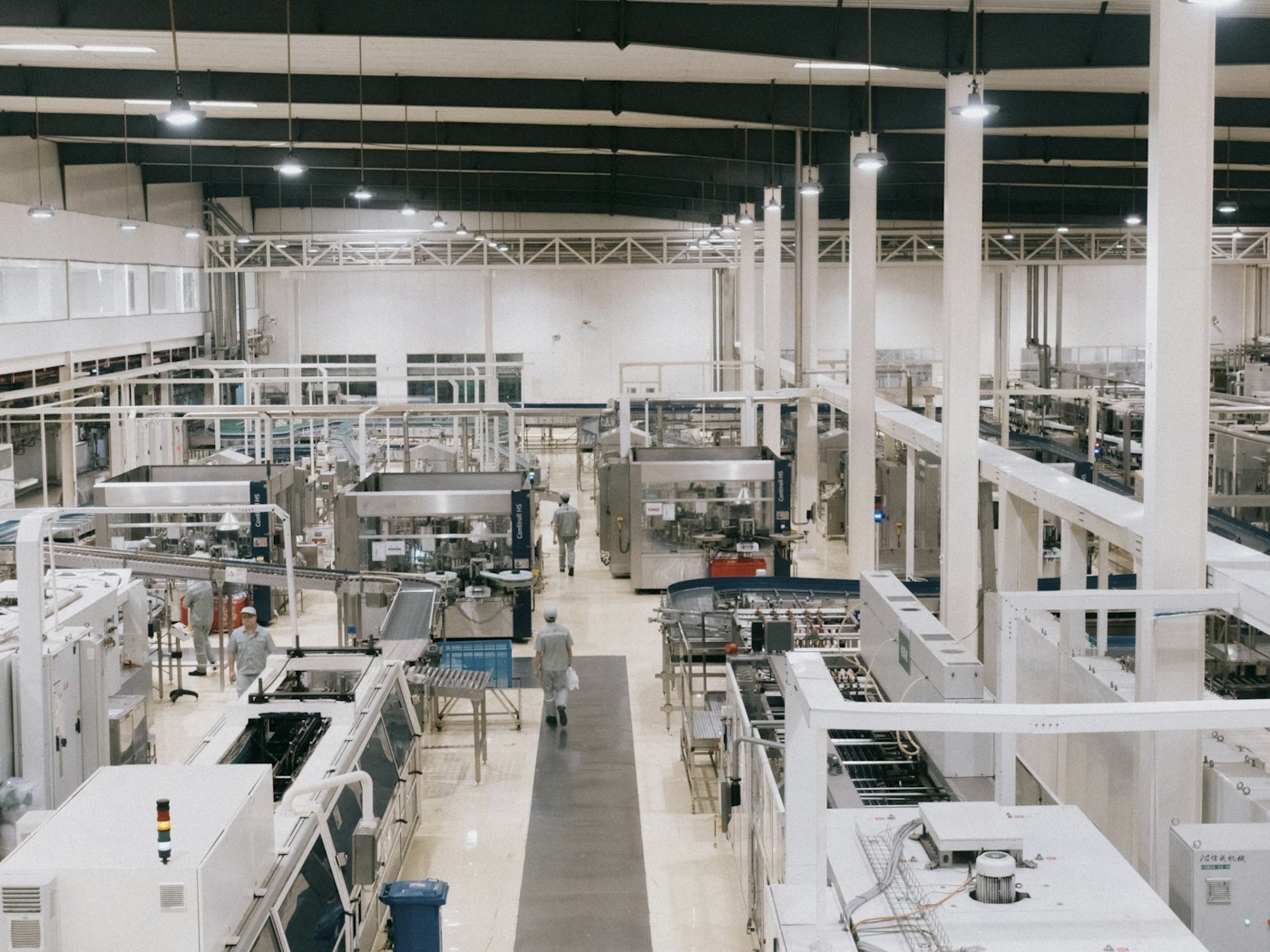
Order No. 0248 · materials reserved · release planned
ERP is a system that combines data and the work of departments: from the first customer request to payment and order fulfillment.
WHEN TABLES ARE NOT ENOUGH
Agreements are lost. Statuses have to be clarified with employees.
Deadlines are promised without checking materials, downloading or paying.
Profits, debts and deviations are visible too late.
SINGLE WORKFLOW
One order passes through the departments. Data, deadlines and responsibilities are maintained at every stage.
Manager
Client and needSales
Conditions and costCoordination
Obligations and deadlinesOperations
Composition and responsibleManufacturing/services
Steps and ResourcesWarehouse
Issuance and documentsFinance
Receipt and closingCustomer, specification, term and amount are associated with one order.
The manager sees the status and the person responsible without requesting a report.
Illustrative scenario: stages and rules are customized to suit your company.
SYSTEM CAPABILITIES
Start with the modules you need. All directions use common data and are linked into one process.
 01 / SALES AND FUNNEL
You can see where sales are stuck and what action is needed from the manager.
The next action for each client is clear to the team.
 02 / ORDERS AND FULFILLMENT
Composition, terms and responsibilities are collected in one order card.
Fewer lost agreements and delays.
 03 / FINANCE
It is clear how much the business earns, who owes the company and what payments are coming.
Decisions are made based on current figures.
 04 / WAREHOUSE AND PURCHASING
Balances, reserves and supplies help plan purchases and shipments.
There are fewer shortages and less money in excess inventory.
05 / PRODUCTIONThe availability of orders, the loading of sites and the reasons for delays are visible.
The production plan is linked to actual orders.
 06 / HR AND SALARY
Personnel data and working hours are collected for agreed calculations.
Less manual reconciliation before settlement day.
 07 / SALES ACCOUNTING
Sales can be broken down by product, customer, branch, and channel.
The assortment and sales are easier to plan.
 08 / CONTRACTS AND DOCUMENTS
Contracts, invoices and deeds are associated with the transaction and its implementation.
Less re-entry and errors in details.
09 / PROJECTS AND SERVICESTasks, effort, and expenses show progress and profitability.
Timing and margin risks become visible earlier.
10 / MANAGER'S REPORTSKey indicators are associated with specific orders and operations.
Fewer status requests and manual summaries.
We launch the first version, test it on real problems and expand the system as the company grows.
EVERYONE HAS THEIR OWN TOOLS
Customers, transactions, orders and next actions.
Payments, expenses, debts and documents.
Queue of work, materials and deadlines.
Sales, money, order fulfillment and rejections.
In progress
In production
Ready for shipment
Waiting for payment
| Order | Client/composition | Status | Responsible | Term |
|---|---|---|---|---|
| № 0248 | Cups · 10,000 pcs. | In production | Sardor | October 20 |
| № 0249 | Packaging · 4,000 pcs. | Ready for shipment | Madina | October 21 |
| № 0250 | Service contract | To be agreed | Alexander | October 22 |
Cups · 10,000 pcs.
In productionSardor · October 20
Packaging · 4,000 pcs.
Ready for shipmentMadina · October 21
Service contract
To be agreedAlexander · October 22
Interface example. Fields, roles and statuses are customized to suit company processes.
DEVELOPMENT TAILORED FOR YOUR COMPANY
First, let's look at how the work works. Then we design rules, screens and connections between departments.

Who decides what data is needed and what happens next.
Each employee sees the necessary tools and permitted data.
Forms, documents and indicators comply with company rules.
Branches, divisions and legal entities in the general system.
DATA LINKED
ERP can exchange data with existing programs. The composition and connection method are determined at the design stage.
Website · CRM · Telephony
Applications and client history are included in the workflow.
Bank · Accounting · EDI
Orders are associated with payments and sets of documents.
Accounting systems · Scanners · Printing
Items, batches and movements are associated with an order.
We collect data → clean and compare → check → transfer
We check the correctness of the transfer together with the responsible employees.Specific integrations depend on available APIs, exchange formats, and hardware. We will agree on access to data and exchange rules in advance.
EXAMPLES FOR DIFFERENT COMPANIES
Three demo scenarios: what we connect in the system and what the team receives.
The plan is linked to orders. Security and delays are visible in the system.

The manager sees the availability of goods, payment and readiness of the order.
The manager sees the deadlines, workload and profitability of the work.
Demo examples, not client cases. Real indicators can be shown after confirmed measurements.
STAGED IMPLEMENTATION
We design the first version around a priority task. The team is involved in testing and launch.
We select processes, users and outcome criteria.
We coordinate scenarios, interfaces, data and scope of work.
We create modules, integrations and data transfer.
We test the full process together with employees.
We help the team transition to a new system.
We will agree on monitoring, support and the following modules.
COST AND COMPOSITION OF THE OFFER
The procedure for access to data and source code, placement, support and modifications are fixed in the proposal and contract.
ANSWERS TO QUESTIONS
LET'S DISCUSS YOUR BUSINESS
Tell us about the company. We will suggest which processes to combine in the system and where to start development.
Don't know what to automate? Choose a business analysis - we’ll help you determine the priority.
2017 - 2026 © KIRANO